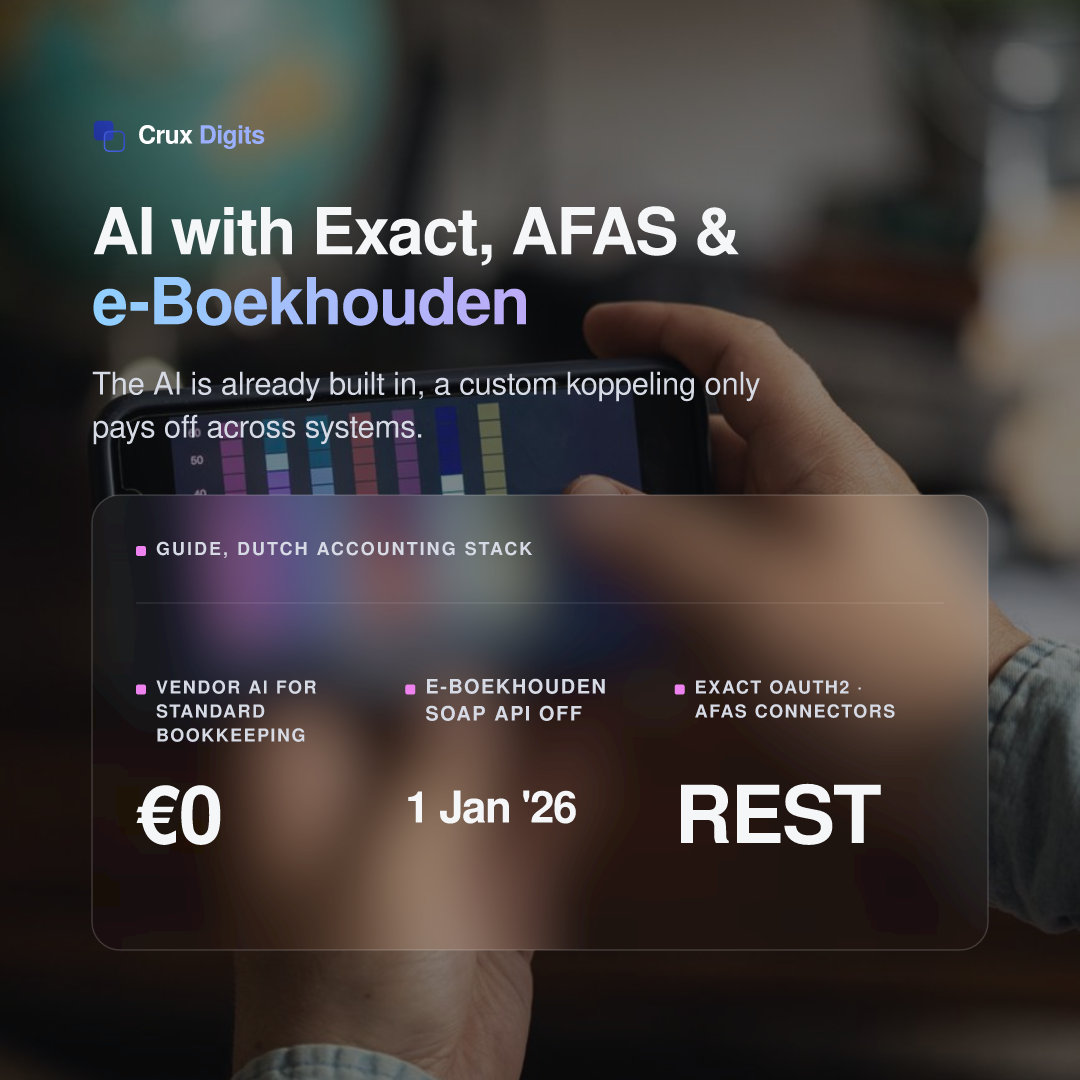
Connecting AI to your accounting software means one of two different things: the AI features the vendor already ships inside Exact Online, AFAS or e-Boekhouden, or your own AI reading and writing your financial data through the package's API. For most standard bookkeeping the built-in AI is already enough; a custom koppeling only earns its money where your accounting system has to work with everything else — your CRM, webshop, inbox or a customer-facing agent.
Built-in AI versus your own koppeling
Before you pay anyone for an "AI integration," separate the two layers. The built-in layer lives inside your package, works out of the box and is tuned for the accountant's core jobs — recognising invoices, matching bank lines, answering how-to questions. Your own koppeling is a connection you build over the package's API to do things the vendor never shipped: pull live figures into another system, or let an agent draft a document from data that lives in three tools at once. Getting this distinction right is the difference between a €0 solution and a project.
The AI already inside Exact, AFAS and e-Boekhouden
Start by looking at what you are already paying for. Exact Online now bundles an AI Assistant with a Support Agent for 24/7 how-to questions, a Purchase Agent that reads incoming purchase invoices and proposes the general-ledger booking, and a Bank Agent that matches payments to invoices — Exact says it monitors over 100 million transactions a month.
AFAS groups its AI under the name Jonas: automatic invoice recognition, intelligent bank-transaction matching and smarter approval flows. Two things stand out for SMEs — AFAS makes this AI free for customers on a fair-use basis, and states it operates in line with the EU AI Act.
e-Boekhouden is lighter and aimed at zzp'ers and micro-firms: scan-and-recognise on receipts and rule-based bank reconciliation, with the real value in invoicing and the BTW-aangifte rather than agentic AI.
Practitioner take: if your goal is faster standard bookkeeping, start here. Roughly three-quarters of Dutch accounting firms already use AI for invoice recognition and similar tasks — you may be paying for capability you have not switched on, and with AFAS it costs nothing extra.
How your own AI actually reaches the data
To do anything the vendor AI does not, your system talks to the package's API. The three main Dutch packages expose very different surfaces, and that shapes cost and effort more than the AI itself does:
- Exact Online — a REST API secured with OAuth 2.0. You register an app in the Exact App Center, and Exact must approve any app used across multiple customers. Calls are capped per minute and per day, with the ceiling depending on the customer's subscription; responses carry X-RateLimit headers and return 429 Too Many Requests once you hit the limit. It also has the best off-the-shelf tooling — a community node in n8n and an app in Make.
- AFAS Profit — a REST/JSON API built around GetConnectors (you define exactly which data may be read) and UpdateConnectors (which data may be written), authenticated with an App connector token. It is powerful and governable, but you design those connectors yourself and usually build the plumbing by hand — in Make via the HTTP module, in n8n via custom nodes.
- e-Boekhouden — a modern REST API with an API key. Timely and important: e-Boekhouden switched off its old SOAP API on 1 January 2026, so any older koppeling has to move to the REST API to keep working. The same applies to e-Boekhouden.be, which matters if you serve Flemish clients.
In practice you wire this up one of three ways. The lightest is an iPaaS platform — n8n or Make — where you drop the accounting node onto a canvas and add an AI step; fine for one or two flows. The second is custom code, once the logic outgrows a canvas. The third and newest route is the Model Context Protocol (MCP): n8n already supports it, and an MCP layer lets an AI agent reach your accounting data through a governed, permissioned interface instead of raw API keys scattered across scripts. For a first project, start with iPaaS; reach for MCP once several agents need the same governed access.
Which integration route fits your company
There is no single right answer — the route depends on how many people you are and which package you run. A simple framework by company size:
- Micro, 1–10 people (often on e-Boekhouden): stay with the built-in features. A full custom koppeling rarely pays back at this size. If you need exactly one automation — say invoices flowing from your webshop into the ledger — a single iPaaS scenario in Make or n8n is enough.
- Small, 20–50 people (first real automation on Exact or AFAS): this is the sweet spot for a first koppeling. Connect the accounting package to the CRM, webshop or inbox so quotes, invoices and customer questions stop being retyped. Exact's node makes n8n or Make quick; for AFAS, budget time to build the connectors.
- Mid-market, 250–500 people: the question shifts from "can we connect it" to governance — who may let an agent write to the ledger, how every change is logged, and how you move a pilot into production without breaking month-end. Here the integration is the easy part; the controls around it are the work.
What a custom koppeling can — and can't — do
Sold honestly, a custom AI koppeling can draft sales invoices from an accepted quote, answer "is invoice X paid?" from live data, push webshop orders into the ledger, build management dashboards across tools, and run a WhatsApp or email agent on top of real figures. What it cannot do is ignore the guardrails.
Rate limits make real-time bulk syncs a design problem, not a given. Write access is permissioned — an AFAS UpdateConnector has to be switched on, an Exact app needs approval for multi-tenant use — so an agent can only touch what you explicitly grant. OAuth tokens expire and must be refreshed. And financial data is exactly where you keep a human in the loop: AI drafts the booking, a person approves it — never the other way round. Treat the AVG/GDPR obligations on that data seriously and keep it hosted in the EU.
A realistic first project
Picture a 30-person company where an accepted quote in the CRM triggers an agent to draft the matching sales invoice in Exact or AFAS through the API. A colleague approves it in the normal screen, and the invoice goes out the same day instead of piling up until Friday. The payback is not exotic: if that saves, say, 40 invoices a week at ten minutes of retyping each, that is close to seven hours a week back, plus cash arriving a few days sooner. For real euro figures, weigh it against what a custom AI build costs; for the pattern of adding AI on top of an existing system, our note on integrating AI with legacy ERP without replacing it goes deeper.
The rule of thumb: let the built-in AI handle bookkeeping, and reserve a custom koppeling for the cross-system jobs it cannot reach. If you want that mapped to your own stack, that is exactly what our AI automation work and our AI consultants for the mkb do.
A consultant tells you where AI pays off; Crux Digits also builds it. A fixed price per step, one named expert, from Utrecht.
AI consultancy in the Netherlands →