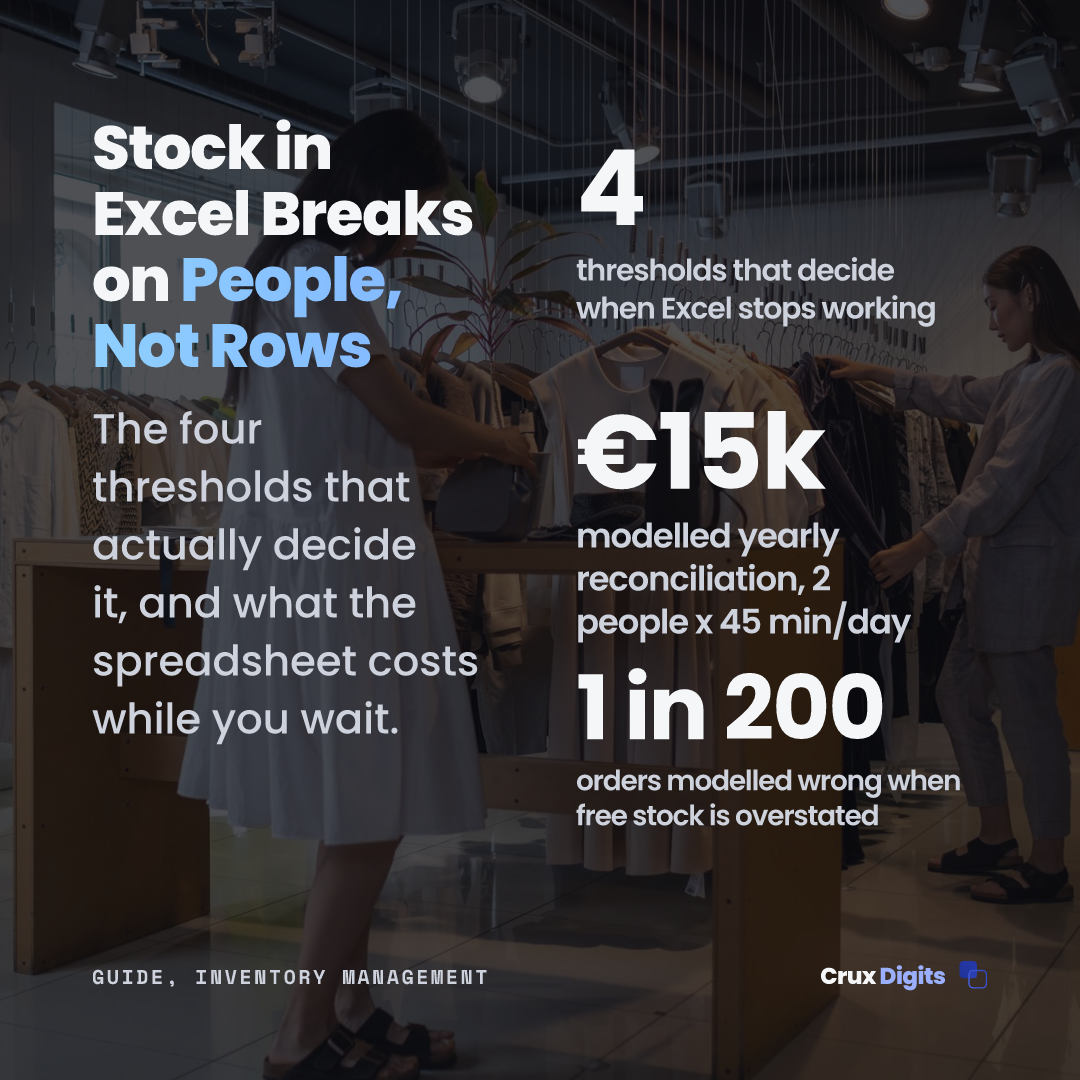
Inventory management in Excel has a bad reputation it only half deserves. For a good share of the companies using it, the spreadsheet is still the right tool. For the rest it is a risk that grows a little every week, and the awkward part is that both groups are looking at the same file.
This article draws the line sharply: where Excel genuinely still works, the three signals you have outgrown it, and how to run the spreadsheet well for as long as you keep it.
Where Excel is still the right answer
A few hundred SKUs, fixed locations, one person updating, and purchasing on experience: Excel is faster, less expensive and more transparent than any package. You can see every formula, you own every number, and nothing runs on subscription.
The honest rule of thumb: as long as a stock error costs you at most an annoying day, the spreadsheet is defensible. Once an error costs a customer or a delivery date, it is not.
Signal 1: two people update at the same time
The first crack is never a formula, it is concurrency. Two colleagues update the count, one overwrites the other, and nobody sees it happen. From that moment the question is not whether the count is right, but whose version you believe.
Shared cloud sheets soften this but do not solve it: they prevent overwriting, not double counting or a missed entry.
Signal 2: nobody knows which version is current
Stock_2026_FINAL_v3_REAL.xlsx is a joke that is not a joke. Once the file gets safety copies, the truth is spread across versions and someone reconciles them by hand. That work is invisible until the person doing it goes on holiday.
Signal 3: you sell through more than one channel
Webshop, marketplace and counter at once: overselling is then a synchronisation problem, not a stock problem. Excel cannot update three channels within seconds of a sale landing somewhere. No discipline fixes that; it is an architectural limit of the tool.
What Excel can never give you: available to promise
The number that matters is not what is on the shelf but what you can still promise from it: physical stock minus reserved, minus blocked, minus already sold. Keeping that live requires event-level entries, and that is exactly where a spreadsheet stops being a record and becomes an after-the-fact reconstruction.
While you stay: five rules that keep the spreadsheet healthy
One file, one owner. Everyone may look; one person posts. This halves the errors at a stroke.
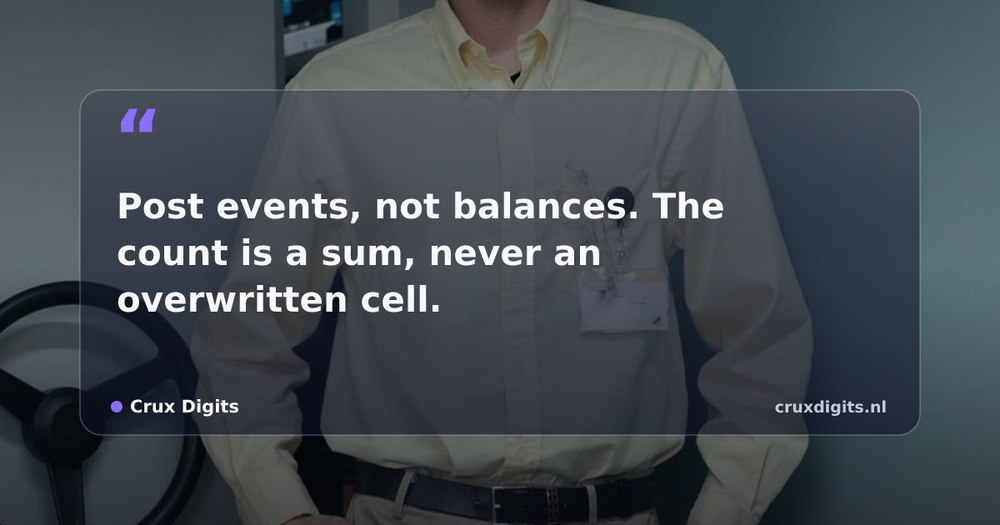
Post events, not balances. One row per receipt and per sale, dated, in a separate tab. The count is a sum, never a manually overwritten cell.
Count cyclically, not annually. Ten SKUs every week with immediate investigation of differences beats a yearly stocktake that only measures the damage.
Freeze the past. Close each month with a copy nobody touches again; corrections go in as new entries in the current month.
Write reorder points as formulas, not gut feel. Weekly usage times lead time plus margin, visible in a column, revisited quarterly.
How to rebuild the file properly in one afternoon
Three tabs, no more. Items: one row per SKU with number, description, unit and a reorder-point formula. Entries: one row per event with date, SKU, quantity (positive for receipts, negative for sales), and who posted it. Overview: formulas only, per SKU the sum of all entries plus the comparison against the reorder point.
The difference from how most stock sheets grow is the direction: not a balance you update, but a log the balance follows from. An error becomes an identifiable row you correct with a counter-entry, instead of a cell nobody remembers overwriting.
Keep this pattern and a later migration comes with a gift: the entries log is exactly the history an inventory system or a demand forecast needs. Two years of events is usable data; two years of overwritten balances is nothing.
What an error actually costs
The cost of a correct file is visible: time. The cost of an incorrect one is scattered and therefore invisible: a rush order at surcharge because the reorder point trusted a wrong balance, a credit note plus return shipping after overselling, and the counting day when three people walk the stockroom to reconstruct the record the file should have been.
Track those items for one quarter and the business case for switching argues itself, whichever way it falls.
From stock control to stock optimisation: when AI adds something
Stock control is knowing what you have. Stock optimisation is deciding what to order, and they are different problems with a hard precondition between them: optimisation built on an inaccurate on-hand position produces confident, wrong orders. If your count and your file disagree today, AI makes that disagreement faster, not smaller.
Once the position is reliable and you have a year or two of demand history per item, there is a real gain, and it is narrower than most vendors suggest. It is not better guessing of next month's total. It is safety stock set per item from that item's own demand variability and its supplier's lead-time variability, instead of one blanket rule applied to everything you sell.
- Where it pays. Many items, demand that moves with season or promotion, and suppliers whose lead times vary. That combination is exactly what a single reorder-point rule handles worst.
- Where it does not. A few dozen items with steady demand and a dependable supplier. A well-kept reorder point is already close to optimal and nothing will pay back the project.
So the order is fixed, and skipping a step costs more than it saves: get the position accurate, then automate the counting, then optimise the ordering. Most firms that ask about AI stock optimisation are still on the first step, and that is the one with the shortest payback.
The next step is smaller than you think
Where that boundary sits, and when you genuinely do need a WMS, is covered in our guide to inventory management systems.
For that second journey, the selection approach is in our WMS guide.
AI automation for SMEs: the audit prices the saving and payback per process, then we build the first process as a Production-ready MVP.
AI automation for business →Frequently asked questions
Is Excel good enough for inventory management?
Often, yes. With a few hundred SKUs, fixed locations and one person posting updates, a disciplined spreadsheet beats a package on cost and transparency.
- The honest threshold: an error may cost you an annoying day, never a customer or a delivery date.
- Post events (receipts, sales) rather than overwriting balance cells.
- Concurrency is the first breaker: two simultaneous editors ends the spreadsheet era.
When should you switch from Excel to an inventory system?
At the first structural appearance of one of three signals.
- Two people need to update simultaneously.
- Nobody can say which file version is current.
- You sell through more than one channel, making overselling a synchronisation problem Excel cannot solve.
Do you need a WMS when you outgrow Excel?
Usually not yet. The in-between step is an inventory management system: live available-to-promise, channel sync and reorder points, without directed warehouse work.
- A WMS answers where stock sits and who picks next; that is a warehouse problem, not a stock-number problem.
- Order of operations: first a trustworthy stock number, then directed work.
- Barcode scanning on the inventory system is a legitimate destination, not just a stepping stone.