An MCP server is a small program you run. On one side it speaks the protocol that assistants understand; on the other it speaks to your existing system in whatever language that system already uses: usually a web API, sometimes a database, occasionally a folder full of files.
Nothing about this requires your software vendor to have heard of MCP. That is the useful part, and the point of this article: you can start with the systems you already have, this month, without waiting for anybody.
If the protocol itself is still new to you, part 1 explains what MCP is, including the three kinds of thing a server can offer. This part assumes those words are familiar.
Which system to wrap first
The instinct is to start with the biggest system, because that is where the most data lives. That is usually the wrong call. Big systems have complicated permissions, more stakeholders, and a longer list of people who must agree before anything changes.
A better filter is to ask which system people interrupt each other about. In most companies there is one where a colleague leans over three times a day and asks somebody to look something up. That interruption is the measurable cost, and removing it needs no business case because everyone already feels it.
In a Dutch SME it is usually one of four. The ERP or accounting package, because it holds order and invoice status. The shared drive or SharePoint, because it holds the documents nobody can find. The order or ticket system, because it holds what customers are waiting for. And a reporting database that one person maintains by hand, because it holds the numbers management asks for.
Pick one. Not two.
What "wrapping" actually involves
The word makes it sound larger than it is. In practice you are writing a small service with three responsibilities.
It authenticates to the underlying system, using an account you create for it. It offers a short list of named actions to the assistant. And when one of those actions is called, it does the necessary work against the system and returns a tidy result.
For our wholesaler and its ERP, that might be two hundred lines of code. The complexity is not in the plumbing. It is in deciding what the short list of actions should be, which is the next section and the one that decides whether this survives.
Design the tools around decisions, not endpoints
Here is where most first attempts go wrong, and the mistake is understandable because it looks like thoroughness.
The tempting approach is to mirror the vendor's API. The ERP exposes thirty endpoints, so you create thirty tools: get_customer, get_orders, get_order_lines, get_invoices, get_credit_limit, and so on. Complete coverage. Nothing left out.
It performs badly, for a reason worth understanding. The assistant now has thirty options to choose between on every single request, most of them irrelevant to whatever was asked. Worse, answering one ordinary human question requires it to correctly chain several calls together and combine the results. Every extra step is another chance to pick wrong.
The better approach is to expose the decision rather than the mechanics. A colleague asking "can we ship to Van Dijk on account?" is not asking four questions. They are asking one. So build one tool.
Instead of four lookups, one answer
check_credit_status(customer) does the four queries internally: outstanding invoices, ageing, credit limit, current order value. It applies whatever rule your company actually uses, and returns the conclusion: approved, or blocked with the reason.
Three good things follow. The assistant has one obvious choice instead of four ambiguous ones. Your business rule lives in code, where it can be tested and where a colleague can read it. And when the vendor changes an endpoint next spring, you fix one server rather than rewriting instructions in three different assistants.
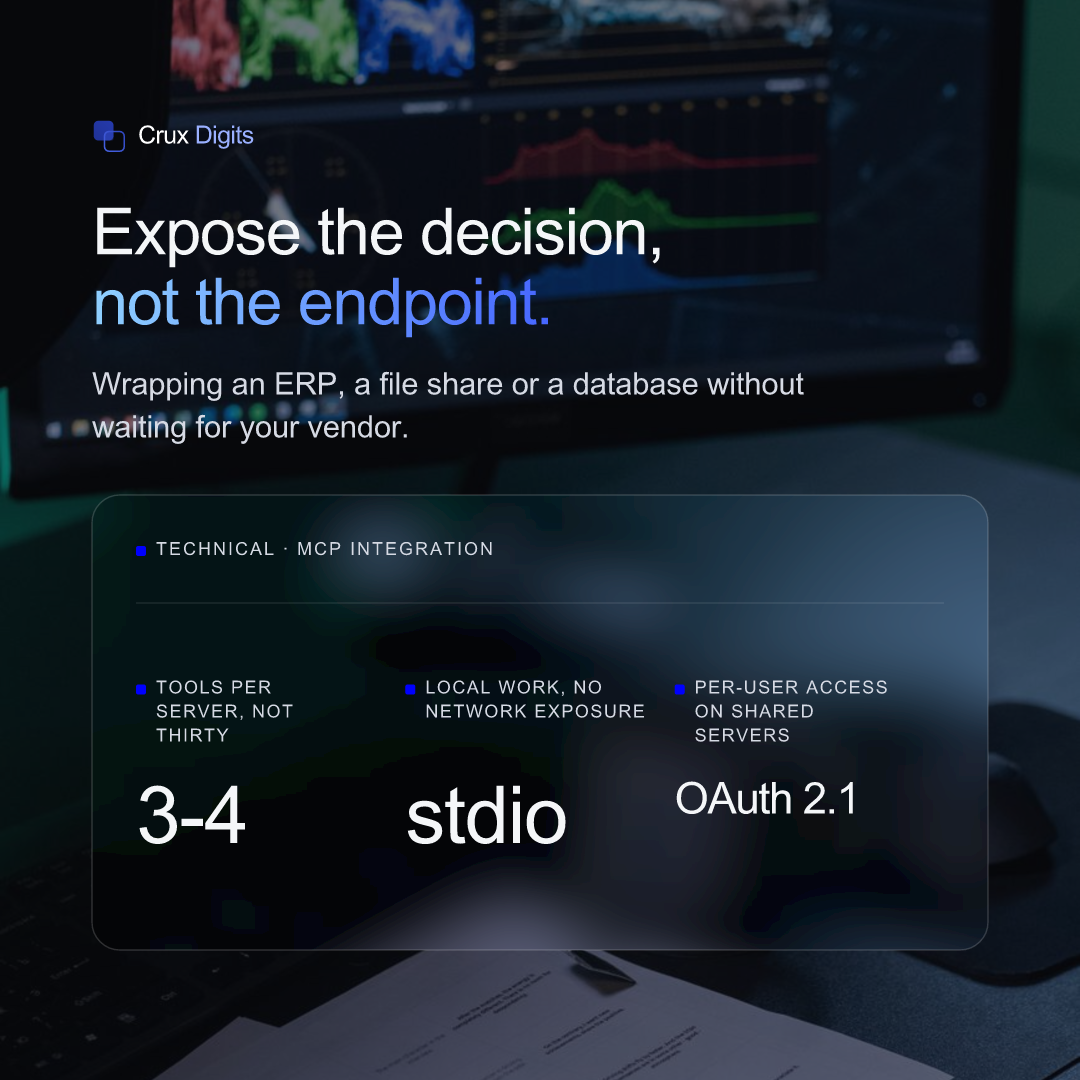
As a rule of thumb, three or four tools per server covers most of the real work. If you are heading past ten, you are probably mirroring the API again.
Write the descriptions as if for a new colleague
A tool's description is not documentation for developers. It is the instruction the assistant actually reads when deciding whether this is the right tool for what was just asked. Vague descriptions are the single most common cause of a tool firing at the wrong moment.
"Look up a customer" is weak. It does not say what comes back, when to use it, or what it will not do.
Compare: "Returns the current credit status for one customer, including any outstanding invoices older than 30 days and the remaining credit headroom. Use this before approving a new order or a shipment on account. Read-only: it does not create, change or approve anything."
That version tells the assistant when to reach for it, when not to, and what it gets. It produces predictable behaviour, and predictable behaviour is the whole game.
The same care applies to the inputs. Mark which fields are required. Use proper types, so a date is a date. Where the valid values are a known short list (order status, country, department), offer that list rather than accepting free text, because free text is where the assistant improvises.
The wholesaler's actual tool list
To make this concrete, here is what the ERP server from part one ends up offering after the ten-questions exercise. Four tools, all read-only, covering what customer service was being interrupted about.
check_order_status(order_number)
Returns status, shipped date and track-and-trace if there is one. Covers roughly half the interruptions on its own.
find_orders(customer, period)
Returns a short list when the caller does not have the order number, which is most of the time. Capped at twenty results, because a longer list is not an answer.
check_credit_status(customer)
The composite decision described above: outstanding invoices, ageing, headroom, and a plain approved or blocked.
check_stock(article, warehouse)
Current free stock and the next expected delivery date. The one tool that reaches into the warehouse system rather than the ERP, which is fine: a server can talk to more than one back end if the question spans both.
Four tools, none of which change anything, covering the overwhelming majority of a week's interruptions. That is a realistic first deliverable, and it is small enough that one person can build and understand it.
Choosing where it runs
This decision is simpler than it is usually made to sound, and it follows from who needs the capability.
On one machine, for one person's work
The server runs as a process on the same computer as the assistant, and the two talk through standard input and output, the same plumbing a command-line program uses. Nothing listens on the network, so there is nothing to expose by accident. It suits a specialist's own workflow and it is the fastest route to something real, often an afternoon.
As a web service, for a team
The server is an ordinary web application. A team connects to it, access runs through OAuth so each person authorises it under their own identity, and you get one place to log activity and apply limits.
This used to be the awkward option, because the protocol tied each conversation to one specific server instance, which meant sticky sessions and a shared session store. The 2026-07-28 specification removed that: MCP is now stateless, so a shared server runs behind an ordinary load balancer like any other web service.
That change is recent enough to be worth understanding before you design hosting: what the 2026 stateless spec means in practice.
Plenty of companies end up running both: a local server for the finance specialist's reconciliation work, a shared one for the order-status questions everybody asks.
What if the system has no API?
Older systems often have nothing you would call an interface. This is common and it is not a blocker; it just changes what the server sits on.
A read-only replica of the database works, and is often the cleanest option in an older estate. A nightly export to a folder works, as long as everybody understands the answers are up to last night. Even a shared drive full of PDFs works, if what people need is to find and read them.
The trade-off is honesty about freshness. If the data is a day old, the tool description should say so, so the assistant tells the person rather than implying it is live. That single sentence prevents most of the trust problems that follow.
Read before write
Ship the read-only version first, and let it run for two weeks against real questions.
This is the least expensive way to find out whether your tool boundaries match how people actually ask things, and the risk is bounded: the worst outcome is a wrong answer somebody notices. Nothing gets changed, sent, or deleted.
Write access is a different conversation. It needs approval steps, it needs to be safe to retry without doing the same thing twice, and it needs a record of what was done and on whose behalf. That is part four's subject, and it is worth arriving at deliberately rather than drifting into it because a tool seemed easy to add.
The same staging sits behind how we run projects generally: prove it on real data before anyone commits to production. It is the middle step of our audit, proof of concept, production sequence, and it exists because it is much less expensive to be wrong early.
A realistic first two weeks
Days one to three are not coding. Pick the system, then write down the ten questions people genuinely ask it. Not the ten you imagine, the ten from last week's messages. Group them. You will usually find they collapse into three or four distinct actions.
Days four to seven: build the read-only server against a test account, with those three or four tools and carefully written descriptions.
Week two: put it in front of two colleagues and watch. Do not coach them. The questions it fumbles are the useful output of the whole exercise.
Those fumbles tell you which of three things is wrong: a tool is missing, a description is ambiguous, or, most often, the process itself was never written down and two people do it differently. The third takes longest to fix and is worth the most once fixed.
Next in the series: automating the spreadsheet and data work, which is where most companies discover the hours are actually going. After that, security and permissions.
We build custom AI and LLM systems that run in production: a clickable MVP by the second call, fixed steps, and you own the code.
AI agency in the Netherlands →