Every company has a spreadsheet that runs part of the business, and a person who runs the spreadsheet. The work is not difficult. It is checking that a supplier file has the columns it should, chasing why two exports disagree by €40, reformatting the same report for the same customer every month.
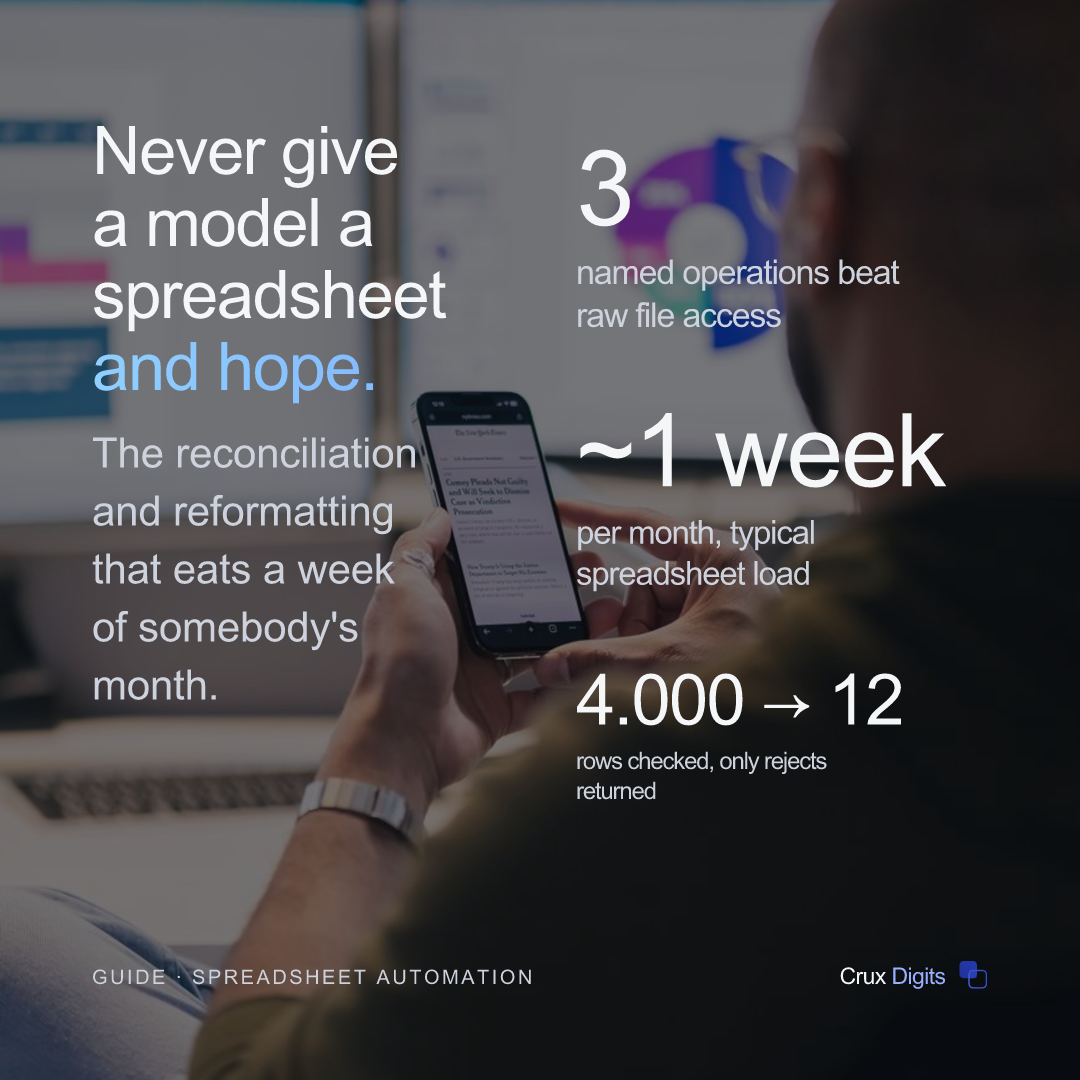
None of it is hard. All of it is exacting, and it adds up to roughly a week of somebody's month. That is why this is the least glamorous automation target and usually the most profitable one.
It has a second advantage that is easy to miss: the process is already documented. Not in a manual, but in the shape of the file itself, and in the head of the person who has done it forty times.
This is part 3 of a series. Part 1 covers what MCP is; part 2 covers connecting it to your systems.
The demo everyone sees first
Search for MCP and spreadsheets and you will find the same demonstration repeatedly. Connect a filesystem server, point the assistant at a folder, ask it to tidy up a workbook. It reads the file, makes changes, saves it. Magic.
It works for about a week.
Then it writes to the wrong sheet, because two tabs have similar names. Or it opens a column of Dutch postcodes and helpfully converts 1013 AB into something else. Or it reads a column of amounts where 1.234,56 means one thousand two hundred, and interprets it as one point two three. Or it "corrects" forty rows that were already right, and nobody notices until the quarter closes.
The failure is not that the assistant is careless. It is that a spreadsheet gives it nothing to be careful with. There is no schema saying this column is a date. There is no constraint saying this value cannot be negative. There is no transaction to roll back. You handed over a task with no definition of done and no way for it to check its own work.
What to build instead
Wrap each recurring job as a named operation with validated inputs and a summary result. Three or four of them will cover most of what the spreadsheet person actually does.
The shift is this: the assistant decides which operation to run, and your code decides what correct means. That division is the entire idea, and everything below follows from it.
validate_import(file)
Checks a file before anybody trusts it. Are the required columns present, under the names you expect? Do the dates parse, and are they in the period they should be? Are amounts numeric once you account for the Dutch decimal comma? Are VAT numbers well formed? Are there duplicate invoice references?
It returns counts and a list of rejected rows with reasons, and it changes nothing. This one tool alone removes most of the back-and-forth with suppliers, because instead of "something's wrong with your file" you can send "rows 12, 40 and 88 have no VAT number, row 51 is a duplicate of row 9".
reconcile(period)
Compares two sources that ought to agree (bank against ledger, warehouse against ERP) and returns only the differences, sorted into categories.
The categorisation is where your business knowledge lives, and it is what makes this worth building rather than eyeballing. A one-cent rounding difference is not the same finding as a missing invoice. A payment that arrived two days late is not the same as one that never arrived. Only you know which of those a human must see and which can be listed and forgotten.
produce_report(customer, period)
Takes the same inputs it always takes, applies the same layout it always applies, and writes to a new file rather than over the source. Deterministic, testable, and boring on purpose.
Why this survives when the other pattern does not
The rules live in code. A VAT number check is a pattern match and a checksum, not a hope that the assistant remembers the Dutch format this time. It behaves identically on a quiet Tuesday and on the last day of the quarter, and you can write a test that proves it.
The assistant does the part it is genuinely good at, which is understanding intent. "Can you check the Van Dijk file for October" becomes validate_import on a specific file, and the result comes back as a sentence a person can act on. That translation from human phrasing to a precise operation is real value, and it is the only part of the job that needed a model at all.
And the blast radius is bounded. A tool that only validates cannot corrupt anything, ever. A tool that writes, writes to one known place in one known shape, and you see a summary before it does.
A worked month-end
Take a monthly supplier reconciliation that currently takes one person two days.
Today: download three exports, open them side by side, sort both by reference, scan for mismatches, chase the ones that look wrong, adjust for the two suppliers who always invoice differently, produce a summary for the accountant.
After: the person asks the assistant to run the October reconciliation. reconcile('2026-10') pulls the three sources itself, matches on reference, and returns something like: 1,847 lines matched, 12 differences: 4 rounding under €0.05, 6 timing differences where payment landed in November, 2 genuine gaps totalling €3,120, listed with references.
The two genuine gaps are the actual work, and they now have a person's full attention instead of arriving at the end of two days of scanning. The four rounding differences are noted and ignored. The six timing differences are explained in a sentence.
Notice what did not happen. The assistant did not decide what counted as a rounding difference. Your code did, using a threshold you set. It did not adjust anything. It ran one operation and reported.
The five things that actually break
If you build validate_import and nothing else, these are the checks that earn their keep. They are unglamorous and they are where the errors genuinely come from.
The decimal comma
Dutch files write 1.234,56 where English tooling expects 1,234.56. Read it with the wrong assumption and a thousand-euro line becomes one euro twenty-three, silently, with no error anywhere. Check explicitly rather than letting a library guess from the first few rows.
Leading zeros
Postcodes, article numbers, bank codes. Anything that looks numeric but is not gets its leading zero eaten the moment a tool decides the column is a number. Treat identifiers as text, always, and validate the length.
Dates that are two things at once
03/04 is either 3 April or 4 March depending on who exported it. If the source is ambiguous, require the format in the tool's contract and reject files that do not match, rather than accepting and hoping.
Merged cells and stray headers
A file that looks tidy on screen often has a title row, a blank row, and a merged cell above the real header. Software reads what is there, not what a human sees. Check that row one contains the columns you expect and fail clearly if it does not.
Rows nobody meant to send
Totals rows, subtotals, a note at the bottom saying "final version". These parse as data and quietly inflate your figures. Filter on a column that must always have a value in a real row.
None of this is clever. All of it is the difference between a tool people trust and one they check by hand anyway, which is the same as not having it.
Keep the data out of the conversation
There is a cost argument and a privacy argument here, and they point the same way.
Sending a whole 4,000-row file into the conversation is slow, expensive, and pushes personal data through a model for no reason at all. Sending "4,000 rows checked, 12 rejected, reasons attached" costs almost nothing and is far easier to justify to whoever asks about GDPR.
So the rule is: the tool does the work, the conversation carries the conclusion. Where a person genuinely needs to see rows, return the twelve that failed, not the four thousand that passed.
If you are also weighing the compliance side of running AI on business data, the EU AI Act risk checker walks through the classification in a few minutes and costs nothing.
Choosing the first job
Pick the one that is monthly, painful and unambiguous.
Monthly, so the benefit arrives soon and repeats: a yearly task takes a year to prove itself. Painful, because the person who does it will then help you get the details right instead of defending the old way. Unambiguous, so that "correct" is something you can check rather than something two people disagree about.
Leave alone, for now, anything where the right answer depends on judgement the spreadsheet does not record. The adjustment someone makes because they know that customer, or because that month had a bank holiday, is real and it matters. It is also invisible to any tool, and trying to automate it first is how these projects lose people's trust.
Those judgement calls are a later problem, and a solvable one, usually by writing the rule down for the first time, which is valuable whether or not you automate it.
How to phase it in
Run the automation alongside the manual process for one cycle, and compare. Not as a formality: you are looking for the cases where they disagree, because each one is either a bug in your rules or a piece of undocumented knowledge worth capturing.
In the second cycle, let the automation lead and have the person check. By the third, most companies find the check is a glance.
Keep the manual route documented even after that. Automation quietly becomes load-bearing, and the month it is unavailable somebody has to do it the old way.
Next: security and permissions, which is where write access has to be earned rather than assumed. Or see how this thinking applies across a whole function in AI for accountancy firms.
AI automation for SMEs: the audit prices the saving and payback per process, then we build the first process as a Production-ready MVP.
AI automation for business →