Picture a wholesaler with four hundred orders a week. Someone in customer service is asked, twenty times a day, whether an order has shipped. The answer is in the ERP. Looking it up takes ninety seconds: open the system, find the order, check the status, type a reply. Ninety seconds, twenty times a day, is most of an hour.
An AI assistant could answer that question instantly, if it could see the ERP. It cannot. And the work of making it able to see the ERP is the subject of this article, because that work, not the AI part, is where most company projects quietly stall.
What a connector is, and why you end up with so many
When people say an assistant is "connected" to a system, they mean somebody wrote a piece of software that sits between the two. It receives a request from the assistant, translates it into whatever the system understands, gets an answer back, and translates that into something the assistant can read. That piece of software is a connector.
Writing one is not especially hard. The problem is that historically you needed a different one for every combination. A connector written for one assistant spoke that assistant's particular dialect. Point a different assistant at the same ERP and you wrote it again.
Go back to the wholesaler. Suppose the ERP connector gets built and works. Then finance starts using a different assistant, so that one needs its own. Then someone wants stock levels from the warehouse system too, in both assistants. Four connectors now, for two systems, and each of them breaks independently when a vendor changes an API.
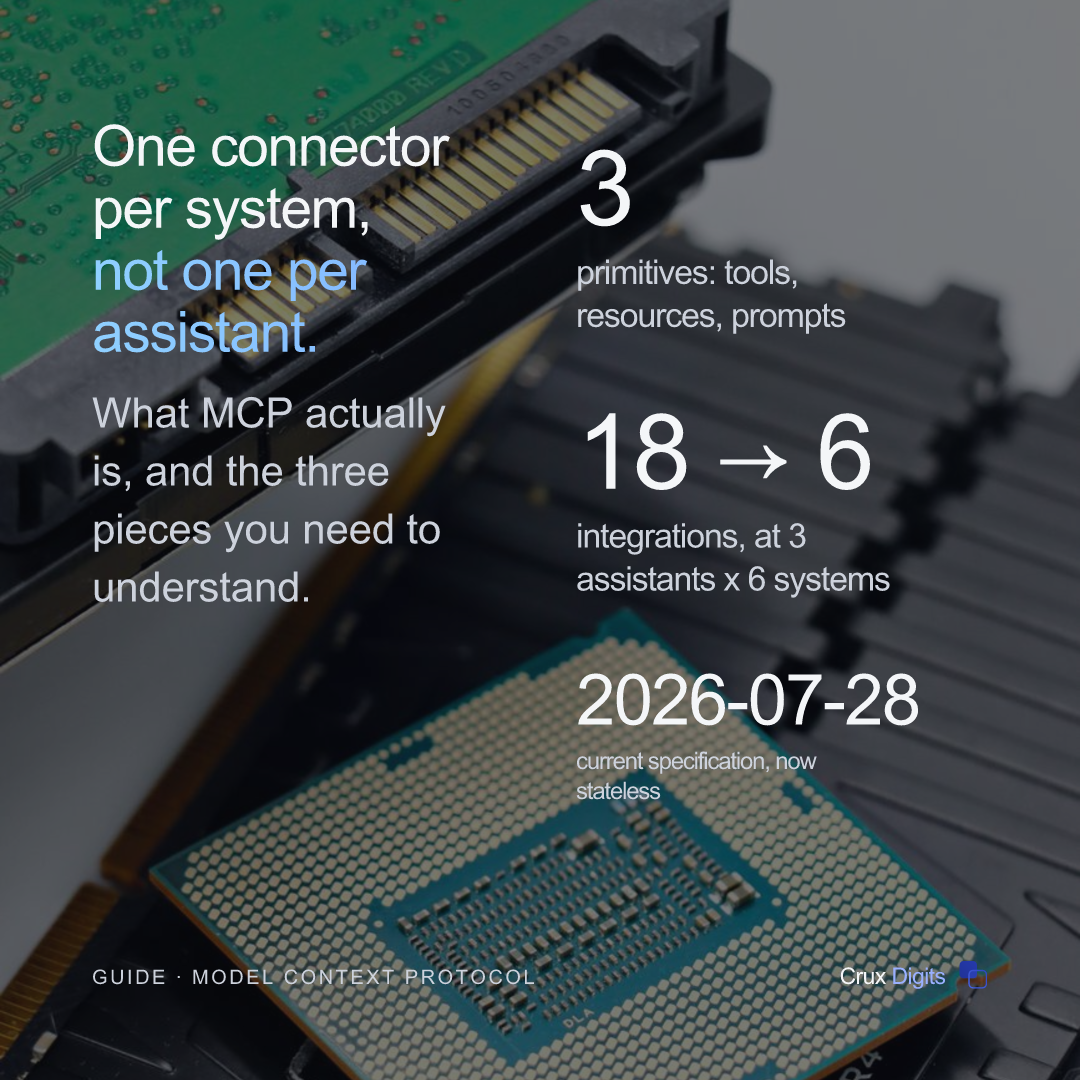
That is the shape of the problem. Two assistants and two systems is four connectors. Three assistants and six systems is eighteen. The number grows by multiplication, but the team maintaining it does not.
What MCP actually is
MCP stands for Model Context Protocol. It is an open standard, a published agreement about how messages should be formatted, that Anthropic introduced in November 2024 and later handed to a vendor-neutral foundation.
It is worth being precise about the word protocol, because it is the reason MCP is useful. A protocol is not a product you buy or a service you sign up to. It is a shared set of rules, like the agreement that lets any kettle plug into any wall socket. Nobody sells you "the socket standard". Everyone just builds to it, and things fit.
So MCP does not connect anything by itself. What it does is define one dialect. You write a connector that speaks MCP, which is called an MCP server, and every assistant that also speaks MCP can use it. One per system, rather than one per pair.
For the wholesaler, that is two servers instead of four, and it stays two when a third assistant arrives.
The three things a server can offer
An MCP server exposes capability in exactly three forms. Almost everything else in MCP is detail; this distinction is the part worth holding on to, because the rest of this series keeps coming back to it.
Tools: things the assistant can do
A tool is an action with a name, a description and a defined set of inputs. Something like check_order_status, which takes an order number and returns a status. The assistant decides when to use it, based on what someone asked.
Tools are the powerful ones, and the risky ones, because a tool does something. A tool that looks up an order is harmless. A tool that cancels one is not, and the difference is worth designing around rather than discovering.
Resources: information the application supplies
A resource is content your application decides to place in front of the assistant: a document, a record, the result of a query. The distinction from tools is about who chooses. With a tool, the assistant decides to reach for it. With a resource, your application has already decided the assistant should see it.
Prompts: saved instructions a person picks
A prompt is a reusable, well-phrased task that a user selects deliberately, usually from a menu. "Draft a delivery-delay email for this order" is a prompt. It is the saved report of the MCP world: the same wording every time, rather than each colleague inventing their own and getting slightly different results.
What actually happens when someone asks a question
It helps to follow one request the whole way through, because the sequence explains several things that otherwise seem arbitrary.
A colleague types: has order 44821 shipped? The assistant (the application the person is using, which MCP calls the host) has already been told which servers are available and what tools each one offers.
It recognises that the question matches the description of check_order_status, and that the tool needs an order number, which the message contains. It sends a request to the ERP server asking to run that tool with that number.
The server does the unglamorous part. It authenticates to the ERP, queries it, gets a row back, and returns a small tidy result: shipped, 29 July, track and trace number. Only that result goes back to the assistant, which turns it into a sentence.
Two details in that sequence matter later. First, the assistant never touched the ERP directly; it only ever asked the server. Second, only the answer travelled back, not the whole customer record. Both of those are choices you make when you build the server, and both are where the security and cost arguments in later parts of this series live.
Where the server runs
An MCP server is a small program, and it has to run somewhere. There are two normal arrangements, and the choice is more practical than technical.
It can run on the same computer as the person using it. Nothing is exposed to the network, the data never leaves the machine, and setup is close to trivial. This suits work that belongs to one specialist: a controller reconciling figures, say. In MCP terms this is the stdio transport, which simply means the two programs talk to each other through the same plumbing a command-line tool uses to print output.
Or it can run as a normal web service that a whole team connects to. You get one place to apply access rules, one place that logs what happened, and one copy to update. Here access is handled by OAuth: the same mechanism behind "sign in with" buttons, where you grant an application permission without ever handing it your password.
One thing to get right from the start: the current specification is 2026-07-28, the revision that made MCP stateless. In plain terms, a conversation is no longer tied to one particular server instance, so a shared server runs on ordinary web hosting behind an ordinary load balancer. That removed the main operational reason smaller companies avoided the shared option, and it means anything you read describing a setup handshake and a session identifier predates it.
Three things MCP will not do for you
It will not make a weak assistant competent. If the model cannot reason about your process, a tidy connector gives it faster access to things it will still misunderstand.
It will not decide what anyone is allowed to do. A server operates with exactly the access you hand it, and it will use all of that access when asked. Nothing in the protocol prevents a badly scoped server from doing damage efficiently, which is why part four is about permissions.
And it will not work out your process for you. A tool called approve_invoice has to encode what approval actually means in your company, including the exceptions that live in one person's head and appear in no document. That thinking does not disappear. MCP only determines how the result is offered once you have done it.
When it is worth doing, and when it is not
The honest test is whether you have more than one of either thing. One assistant and one system: build the direct connection, it is simpler. The moment there are two assistants, or three systems, the arithmetic starts working in MCP's favour and keeps going.
The Dutch picture makes the case sharper. CBS reports that 22.7% of firms with ten or more staff used AI in 2024, and that 57% name a lack of in-house knowledge and skills as their main barrier. That second figure is the real constraint. It is rarely appetite or budget that stops this work; it is that nobody has the hours to build a pile of one-off integrations and then keep them alive.
Building once and reusing is exactly the shape of solution a small team can sustain. It is dull infrastructure, and dull infrastructure is what survives.
What MCP will not rescue is the wrong choice of process. If you are not yet sure which job to point this at, start with which process to automate first and come back to the plumbing once you know.
So does our data leave the building?
This is the first question most people ask, and the answer has two halves that are easy to confuse.
MCP itself sends nothing anywhere. It is a set of rules for formatting messages, not a service that sits in the middle. A server can run entirely inside your own network and never touch the public internet.
What does travel is whatever the assistant needs in order to answer, and that depends on which model the assistant uses and what your tools hand back. If your tool returns a one-line status, that one line is all that goes anywhere. If it returns the entire customer record, the entire record goes.
Which is why the design advice in this series keeps repeating itself: return the answer, not the raw material. It is less expensive, it is faster, and it is the difference between a short conversation with your DPO and a long one.
The short version
MCP is a shared dialect that lets one connector serve every assistant. A server offers tools the assistant can run, resources your application supplies, and prompts a person picks. It runs either on one machine or as a shared service, and since the July 2026 revision the shared option is ordinary web hosting.
It saves you from writing the same integration repeatedly. It does not make decisions about permissions, it does not understand your process, and it does not make a mediocre assistant good.
What comes next
Part 2 gets practical: connecting MCP to the systems you already run, including how to choose which system to wrap first and why the shape of your tools matters more than any technical decision.
Part 3 is the one most companies feel immediately: automating spreadsheet and data work, and why handing an assistant a live workbook is the pattern that ends badly.
Part 4 covers security and permissions, including the failure mode where a document quietly gives the assistant instructions.
Part 5 is running it in production: hosting, versions, cost and what actually breaks.
And if you would rather have someone map this against your own systems than read five articles, that is what an AI audit is for.
We build custom AI and LLM systems that run in production: a clickable MVP by the second call, fixed steps, and you own the code.
AI agency in the Netherlands →