The gap between an MCP server that impresses in a meeting and one a business can depend on has almost nothing to do with technical sophistication. It is a handful of unglamorous decisions about where it runs, what happens when it fails, what it costs, and who will still understand it in a year.
This closes a five-part series: what MCP is, connecting your systems, spreadsheet automation and security.
Put the server next to the system, not next to the model
The instinct is to host the server wherever the AI stack lives, because that feels like where it belongs. Usually wrong.
The server's actual job is talking to your system, and it does that constantly: several round trips for a single question. Latency, network access and data residency all argue for putting it close to the system it wraps, not close to the assistant.
So an on-premise ERP gets an on-premise server. Data that must stay in an EU region gets a server in that region. This also simplifies the conversation with whoever asks where the data goes, because the answer becomes concrete: the records stay put, only the summary travels.
For a local server the question barely arises, which is part of its appeal. For a shared one it is the first decision to make and the most annoying to change later, because everything else gets built assuming it.
Version everything, including what feels too small to version
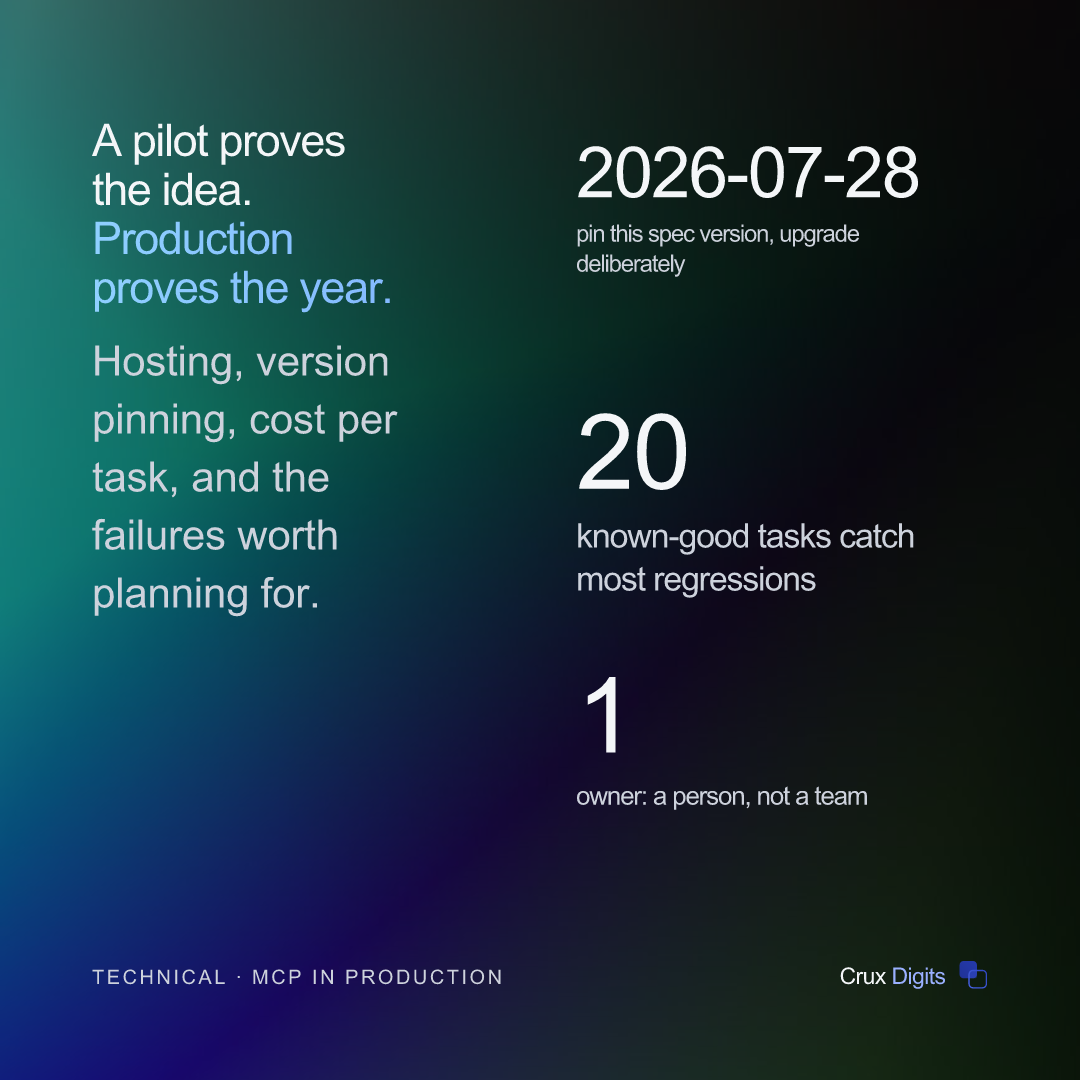
Pin the protocol version you build against: 2026-07-28 at the time of writing. MCP is a young standard and the edges still move. You want an upgrade to be a decision you make on a quiet afternoon, not an event that arrives on its own on a Monday.
The stateless revision is a good illustration of why. It simplified hosting considerably, and at the same time it removed the setup handshake that older servers relied on. Both of those are fine if you moved deliberately, and both are unpleasant surprises if you did not.
Treat your own tool schemas as a public API, even though the only consumer is a model. Adding an optional field is safe. Renaming a field, changing a type, or removing a valid value is a breaking change.
And here is the part that catches people: the breakage will not look like an error. It looks like the assistant quietly getting worse: more retries, more odd answers, no alerts. So give changed behaviour a new tool name and retire the old one on a schedule, rather than editing in place and hoping.
Keep the tool descriptions in version control alongside the code. They are behaviour, not documentation. A change to a description deserves the same review as a change to a function, because it can have the same effect.
Control cost where it is actually generated
The server process itself is inexpensive. It is a small program doing small amounts of work. The tokens are not low-cost, and almost all of the token cost is decided by one thing: what your tools return.
A tool that returns a full forty-page contract might cost a hundred times one that returns "term: 24 months, notice period: 3 months, auto-renewal: yes". Both answer the question that was asked. Only one of them is affordable to run a thousand times a month.
So budget in cost per completed task, not cost per call. Those diverge more than people expect: a task that makes four small calls is often far less expensive than one that makes a single call hauling a document into the context. Per-task is also the figure that maps onto a business case, because it is the one you can compare against the manual cost.
Then put a ceiling on it. Rate-limit per user. Cap result sizes inside the server rather than trusting the caller to ask nicely. Alert when a task's average cost moves rather than when a total is exceeded. Costs rarely creep gently upward, they jump the day somebody points the assistant at a bigger folder.
Monitor the three things that actually go wrong
Credentials and connectivity
Tokens expire. Certificates lapse. An upstream API tightens its rate limits without telling anyone. These are ordinary operational failures, ordinary monitoring catches them, and the only real risk is that nobody thought to point monitoring at the server in the first place because it did not feel like production.
Tool selection quality
This one is specific to the AI layer and it is the one teams miss. Log which tool was called for which kind of request, and watch the distribution over time.
A rise in retries, or in one tool being called and then abandoned, usually means two descriptions have drifted into overlapping. Nothing errors. No alert fires. The assistant simply becomes less useful, and people quietly go back to doing it by hand, which you find out about months later.
Answer quality over time
Model updates and schema changes both shift behaviour silently. Keep twenty real tasks with known-good answers and run them on a schedule, comparing the output.
Twenty is enough. This is the least expensive regression test in the entire stack, and it is the only thing that will tell you the assistant got worse before a colleague does.
The tracing side of this is a subject in its own right. See AI agent observability for the instrumentation layer.
Write down what happens when it is down
Every useful automation quietly becomes load-bearing. Nobody decides this; it just happens, somewhere around the third month when people stop keeping the old spreadsheet updated in parallel.
So the month it is unavailable, somebody has to do the work manually. If nobody wrote down how, you have replaced a slow process with a fragile one, and the person who knew the old way may have left.
Keep the manual path documented and exercise it occasionally: once a quarter is plenty. It takes an hour and it is the difference between an outage being an inconvenience and being a crisis.
Name an owner, too. Not a team: a person who receives the alert and knows what the tool was for. Automation without a named owner degrades steadily until someone eventually turns it off, and by then nobody remembers enough to turn it back on.
What the first month actually looks like
Weeks one and two are quiet, and that is misleading. The people using it are still the ones who helped build it, they ask the questions it was designed for, and everything works.
Week three is when it meets everyone else. Someone phrases a question in a way nobody anticipated. Someone asks about a period the data does not cover. Someone tries to use it for a job it was never meant for, because it seemed like it might work.
This is the useful week, and the mistake is to treat those as failures to apologise for. They are the specification you did not have. Write each one down, then decide: is this a missing tool, an ambiguous description, or a request that should politely be refused?
That third category matters more than people expect. A tool that clearly says what it does not cover is more useful than one that guesses, because a person can then go and do the thing themselves instead of trusting a wrong answer.
The handover test
Here is a simple check that predicts whether this survives, and it costs nothing to run.
Ask a colleague who was not involved to read the tool descriptions and explain, in their own words, what the server does and when someone should use it. If they can, you have documentation that lives where it is used rather than in a file nobody opens. If they cannot, you have a system with exactly one person keeping it alive.
Do the same with the runbook. Can they find where it is hosted, which account it uses, where the logs are, and who to call? Four questions. If any of them takes more than a minute to answer, write it down now rather than during the incident.
Knowing when to stop
Not everything deserves to reach production, and recognising that early is a skill rather than a failure.
If the tool is used less than a handful of times a week after the novelty passes, it was probably solving a problem that was not actually costing anyone much. If it needs constant adjustment to stay accurate, the underlying process is likely still in flux and automating it is premature. If nobody objects when it breaks, that is the clearest signal of all.
Retiring one of these is inexpensive and honest. What is expensive is a portfolio of six half-maintained servers that each work most of the time, because the cost is spread across everyone's attention rather than showing up on a bill.
Better to run two things properly than six things hopefully.
What good looks like after six months
The server is boring. It has a version number, a named owner, a scoped credential and a dashboard nobody looks at, because nothing has gone wrong.
Cost per task is known and stable, so nobody is nervous about usage growing. A colleague who was not there at the start can read the tool descriptions and understand what it does and why. The manual fallback is written down and was tested last quarter.
That is a lower bar than the demonstrations suggest and a higher one than most pilots ever reach. Clearing it is precisely what separates automation that spreads through a company from automation that gets quietly abandoned after the person who built it moves on.
If you would rather have this scoped against your own systems than assembled from five articles, that is what the audit step exists for, and the proof of concept that follows it is deliberately the low-cost place to discover you were wrong.
We build custom AI and LLM systems that run in production: a clickable MVP by the second call, fixed steps, and you own the code.
AI agency in the Netherlands →